

Pack it. Split it. Check it off.
A race-day checklist your whole crew shares. Start from a list racers wrote, give each person their part, and watch it fill in from every phone. Checklist is free.
Forgot the tire gauge? Never again.
0:31Read the words
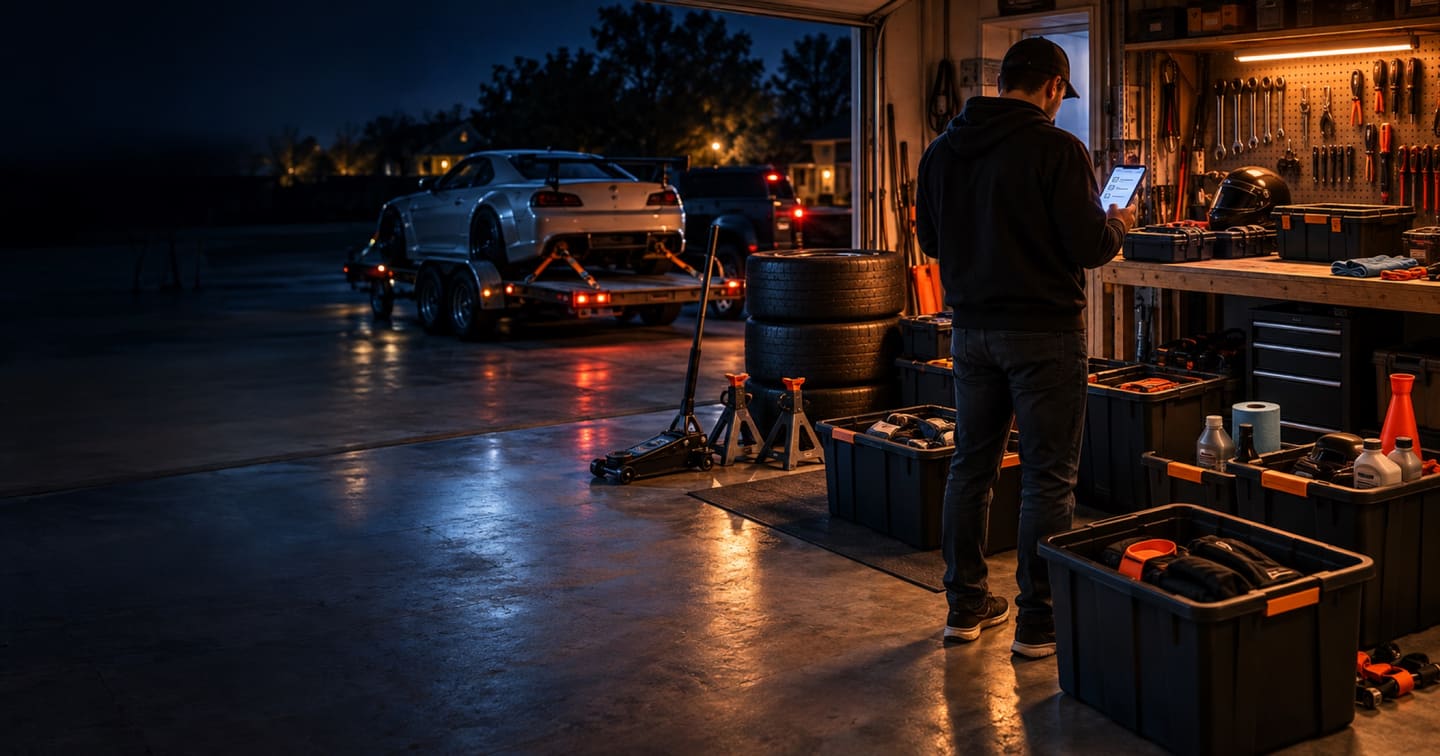
Ever get to the track without the tire gauge?
The Checklist keeps track of what to pack and what to do, one list for each car and race.
Start from a list racers created, and tweak it for your needs.
Delegate items to your crew. Each person sees what's theirs, and checks it off from their device.
Running a drag-and-drive? You get your own Pre-flight and Post-flight.
And the Checklist is free forever.
Everything packed. Everyone on it.
Everything packed. Everyone on it.
Start from a list racers wrote and make it yours. Give each person their part, so everyone knows what they’re bringing, and check it off from any phone. Drag-and-drive lists get their own Pre-flight and Post-flight. Checklist is free.
- Each person sees what’s theirs
- Pre-flight and Post-flight for drag-and-drive
- See every item before a list is made
One list. The whole crew on it.
Drag Week on a tablet, and the same list on a phone, handing three tire spares to someone.


The details, lap by lap.
Start from a list racers wrote
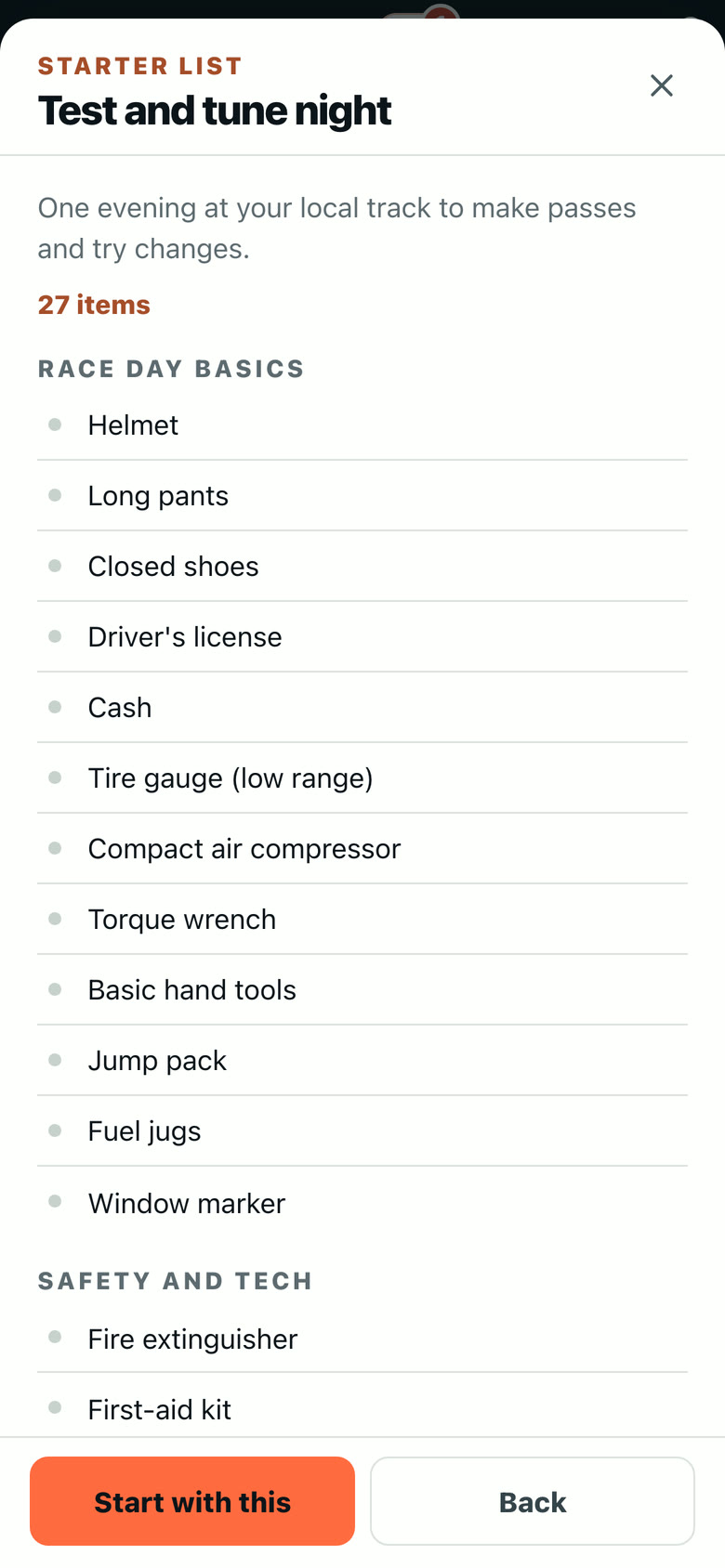
Pick a starter for the night: test and tune, a bracket weekend, your first time at the strip or a drag-and-drive week. You see every item before the list is made, and you can open any kit to look inside first.
- Kits for tools, fluids, spares, safety gear and paperwork
- Drag-and-drive asks about your car and trims what you don’t need
- Add your own items any time
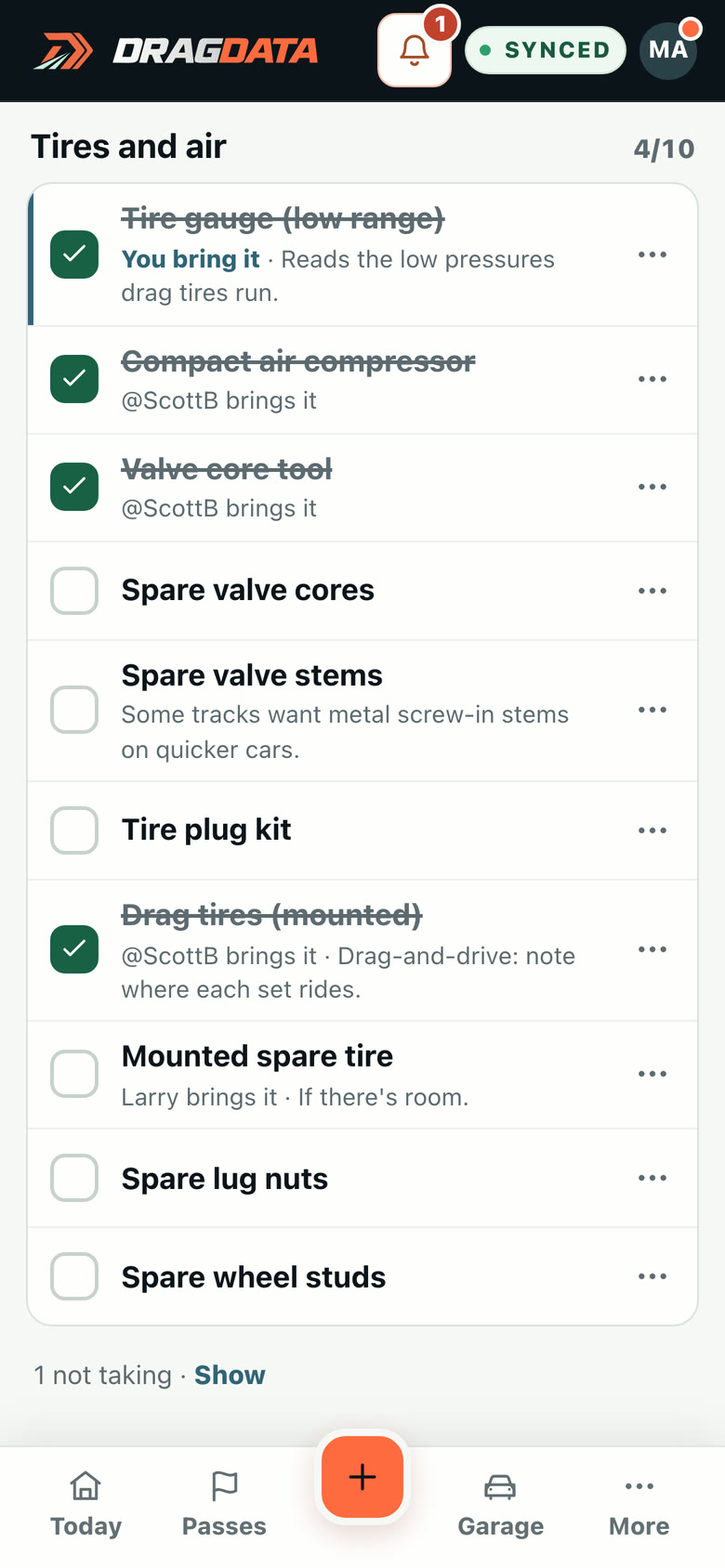
Everyone brings their part
Tap Assign, pick the items, then pick who brings them. Each person sees “You bring it” on theirs, and anyone on the list can check anything off. Someone without the app? Add their name, and the list shows what they’re bringing.
- Mine shows just what’s yours
- Up for grabs shows what still needs someone
- Items you’re not taking step off the list, out of the way

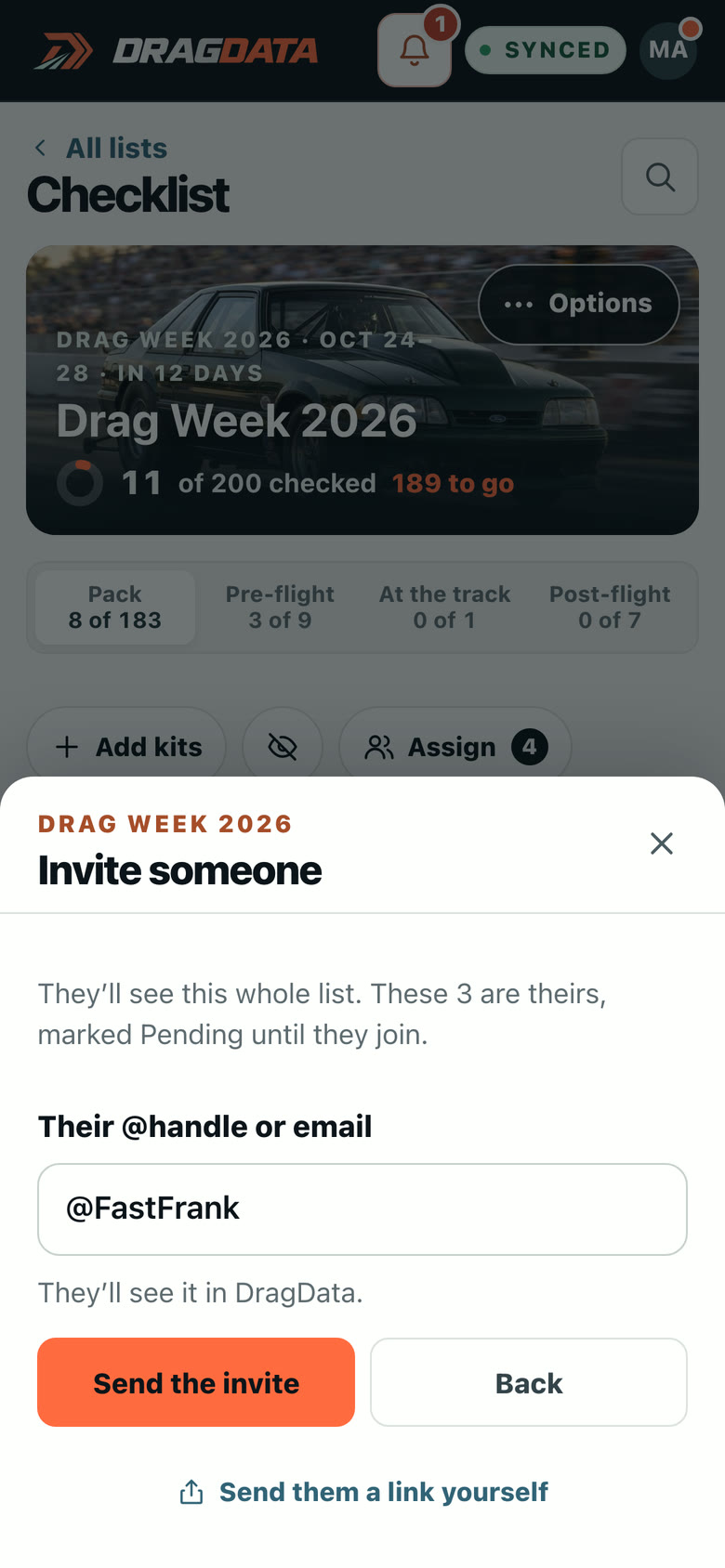
Invite by @handle or email
Invite someone with their DragData @handle or any email, or send them a link yourself. They see the whole list and can check things off. Giving them items is up to you: now, later or never.
- Racers already on DragData get asked in the app first
- Their items say Pending until they join
- An invite is for that one list, never your passes or setups
Pre-flight, every morning
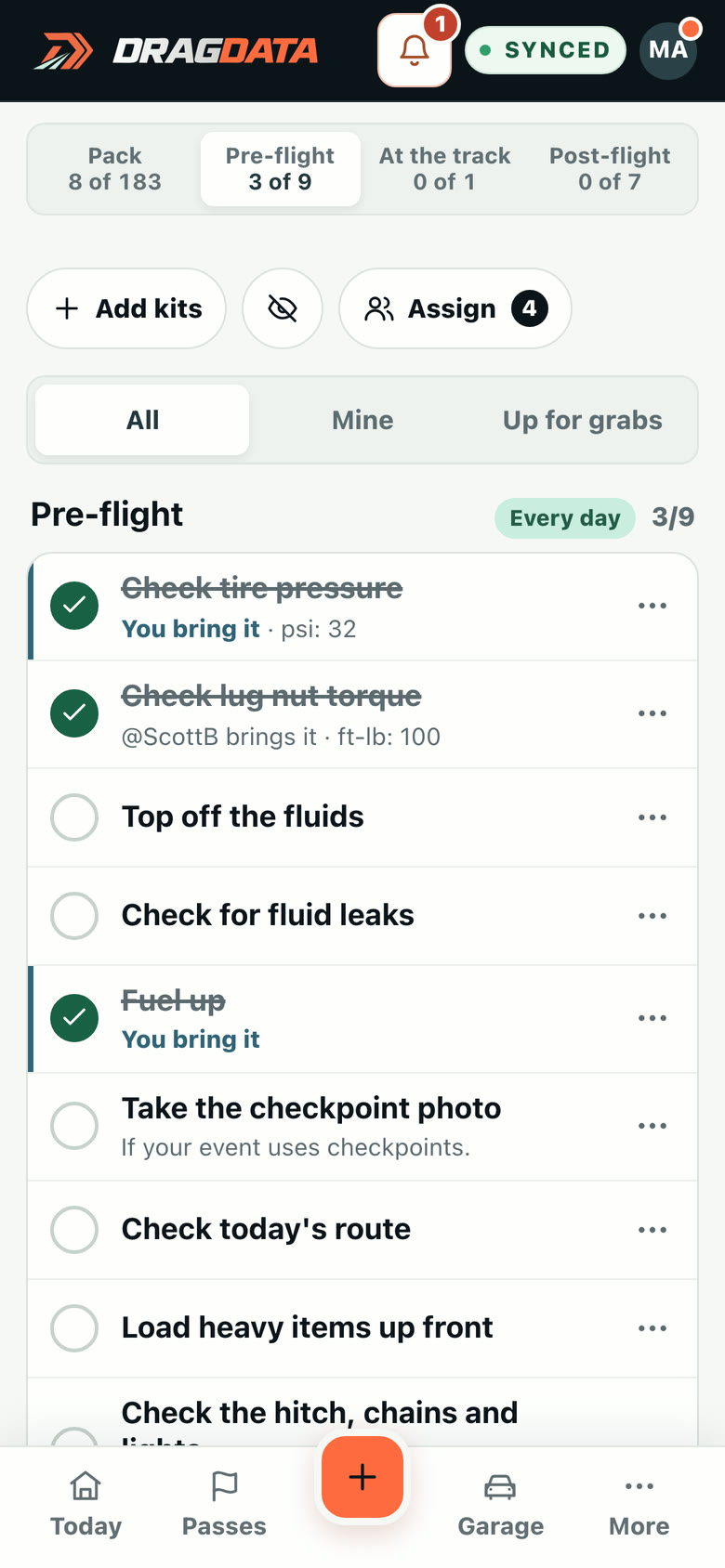
A drag-and-drive list splits the day into Pack, Pre-flight, At the track and Post-flight. Pre-flight is the hotel lot at sunup: tire pressure, lug nuts, fluids, fuel and the hitch, with a spot to write the number down. It clears itself each morning, so day four starts as fresh as day one.

Post-flight, before you sleep
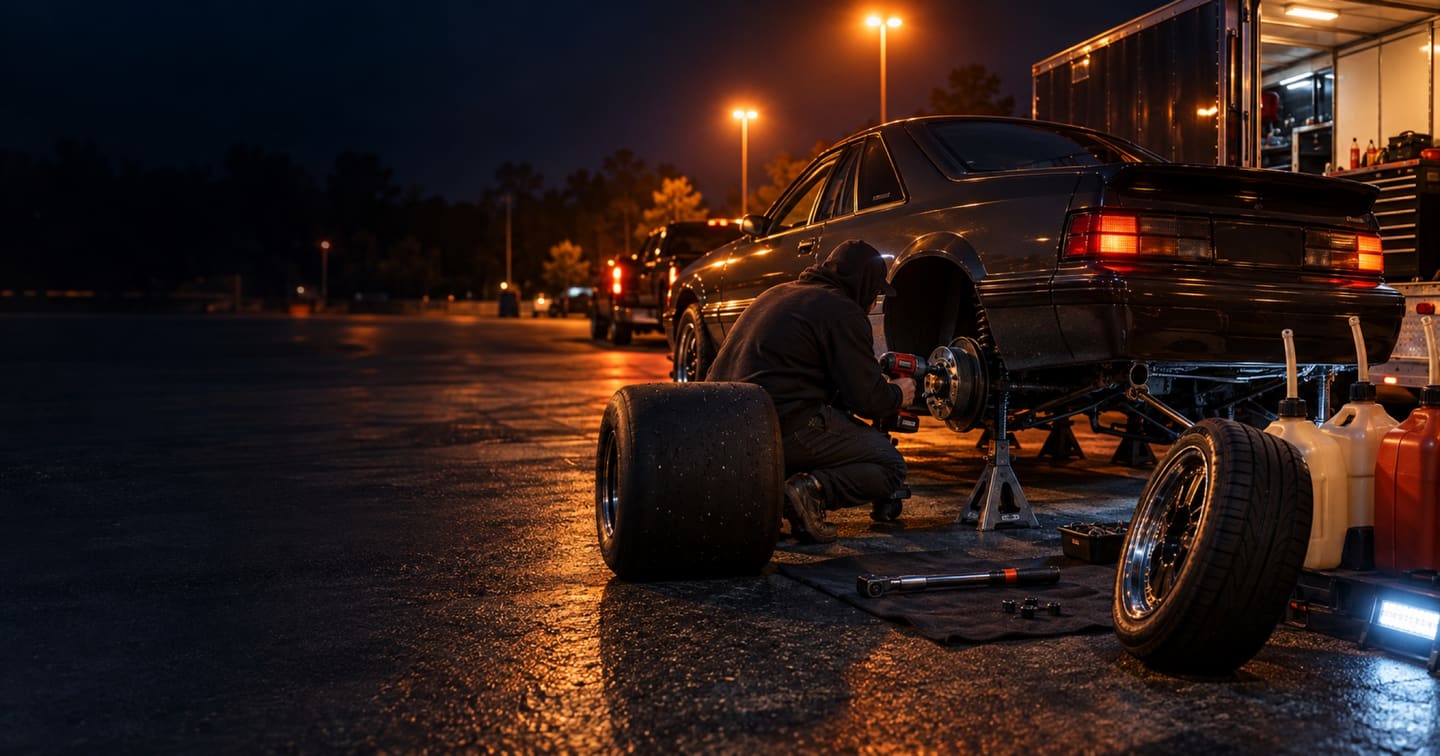
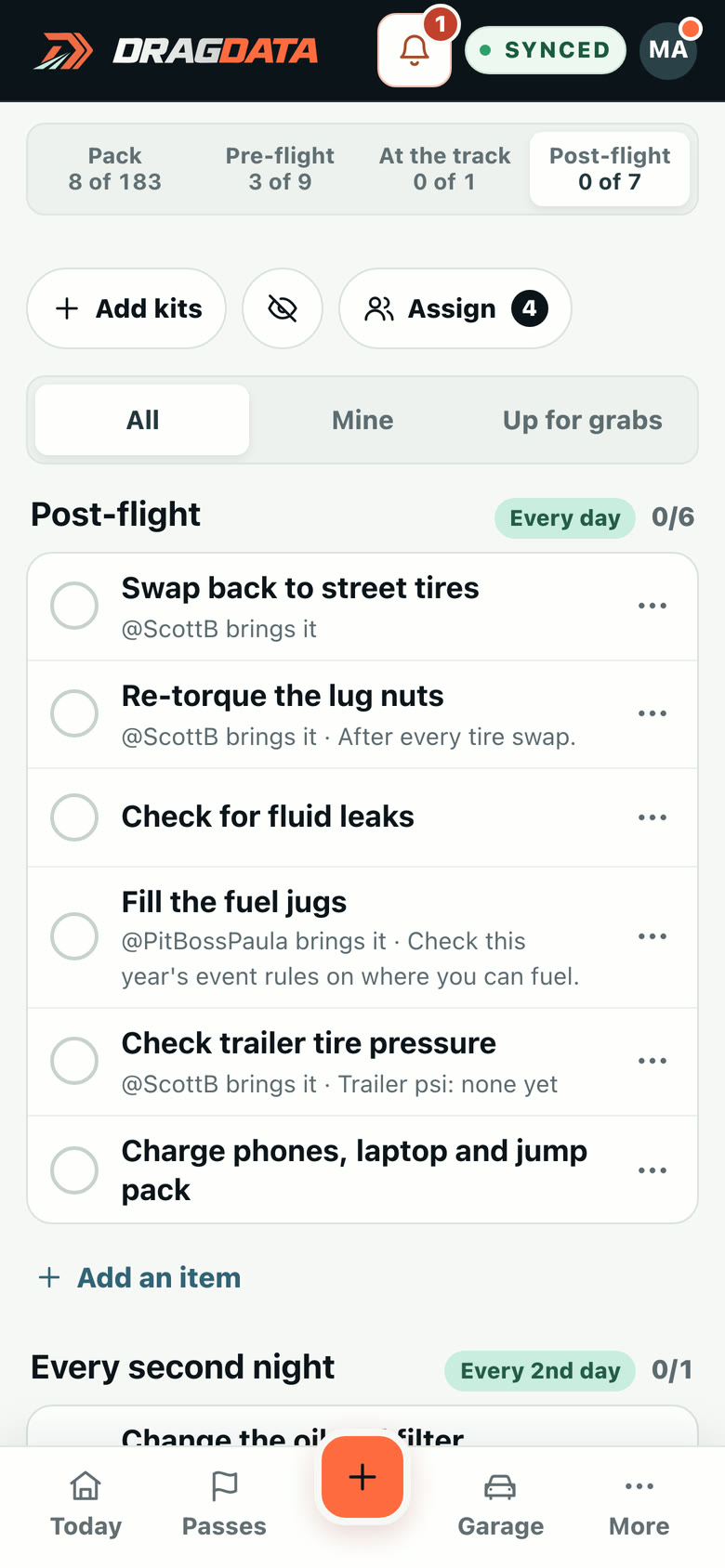
Post-flight is the lot after the track: street tires back on, the lug nuts torqued again, the fuel jugs filled and a look for leaks. Hand the tire swap to whoever’s holding the impact gun.
- Every-other-night jobs, like the oil change, come up on their own
- Trailer tire pressure gets its own line to fill in
Open to the right part of the day
On a race day your list opens on the part of the day you’re in: Pre-flight in the morning, At the track from noon, Post-flight after six. It’s on Today too, right on your race card. The In the lanes kit holds the last checks before you stage.

Print it for the trailer
Print any list as a sheet for the trailer wall or the toolbox lid: grouped the way your list is, with who’s bringing what, quantities and blank lines for the numbers.
Works with no bars
The list lives on your phone, so it works in a pit with no signal. Checks sync when you’re back in range, and two phones checking off items at once don’t step on each other.


Straight answers.
Is Checklist free?
Yes. Checklist is free, and someone you invite can join that list free.
Do I have to give everyone items?
No. Invite someone and they see the whole list and can check anything off. Assigning items is up to you.
Can my crew on the car see its lists?
Yes. Crew on a car see the lists made for it. People you invite to one list see that list only.
What about stuff we’re not taking?
Mark it Not taking and it steps off the list. A small “2 not taking · Show” line brings it back if you change your mind.
Next up on the ladder.


Get in the LANE
Stop losing your data, your slips, your rank. Store your information like a professional.
