

Race day, right on your lock screen.
The night before, your Checklist fills as your crew packs. On race day it’s your pit board: last pass, best today and the air, without opening the app.
Your pit board lives on the lock screen.
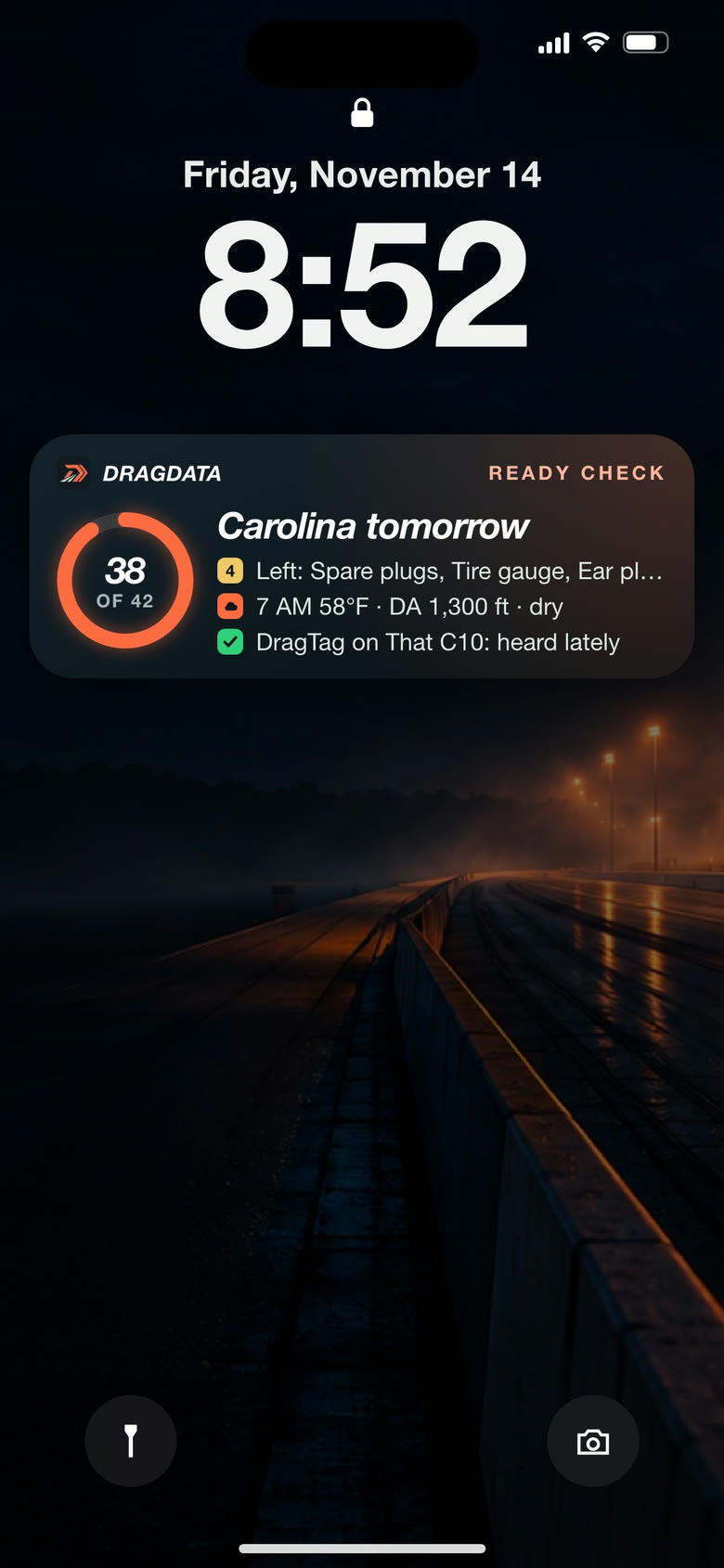
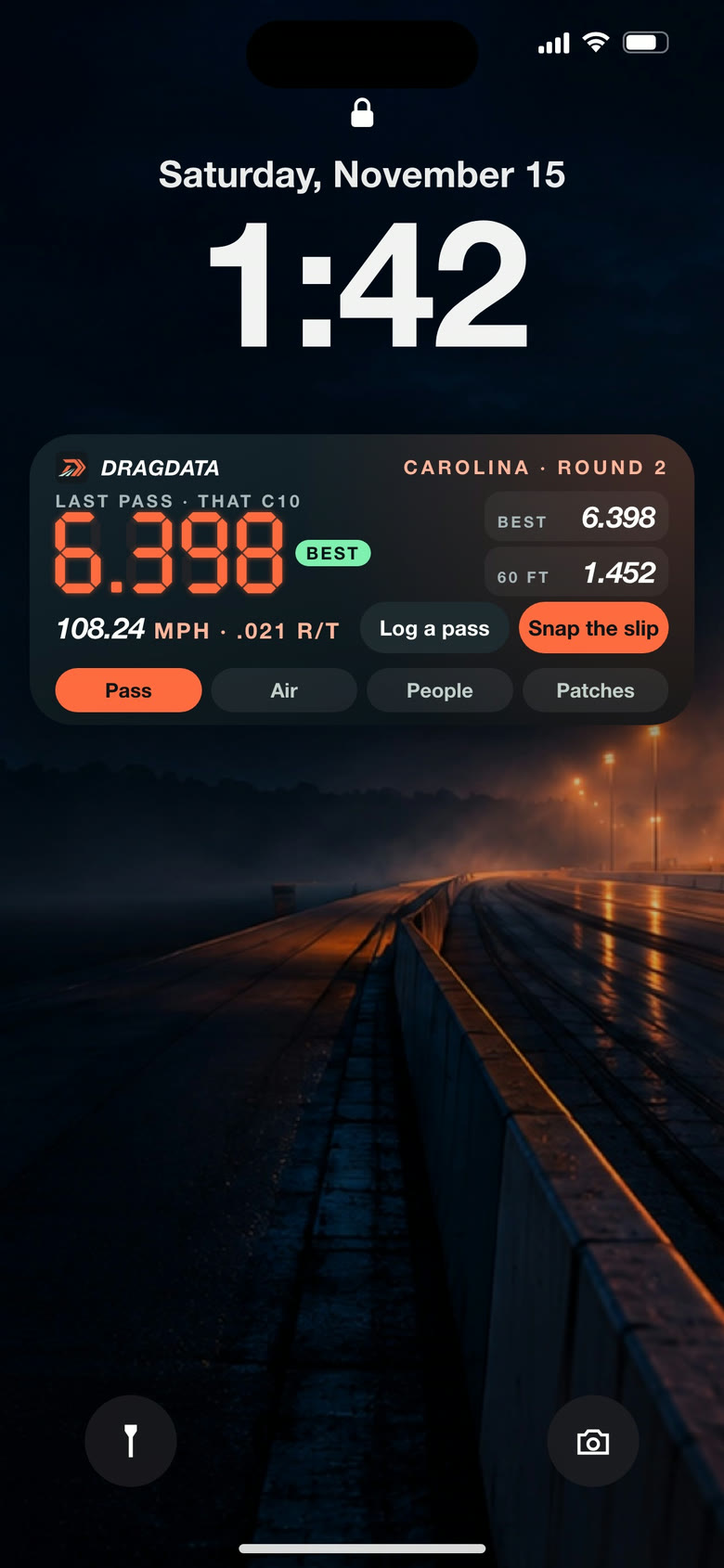
The night before, your Checklist sits on your iPhone’s lock screen as a ring that fills as your crew packs. On race day it turns into your pit board: your last pass, your best today and the air, with tabs you tap right there.
- The ring fills as your crew checks things off
- Pass, Air, People and Patches on the lock screen
- In the Dynamic Island, with Log a pass and Snap the slip
 DRAGDATA
The night before, then race day.
The ready check filling as the crew packs, then the pit board on race morning. Both on the lock screen, right where you look first.


The details, lap by lap.
The night before: a ready check
For a race on your calendar, your Checklist shows up on your lock screen the evening before as a ring: 38 of 42 packed, the next few things left and the morning forecast. It fills as your crew checks things off on their own phones.
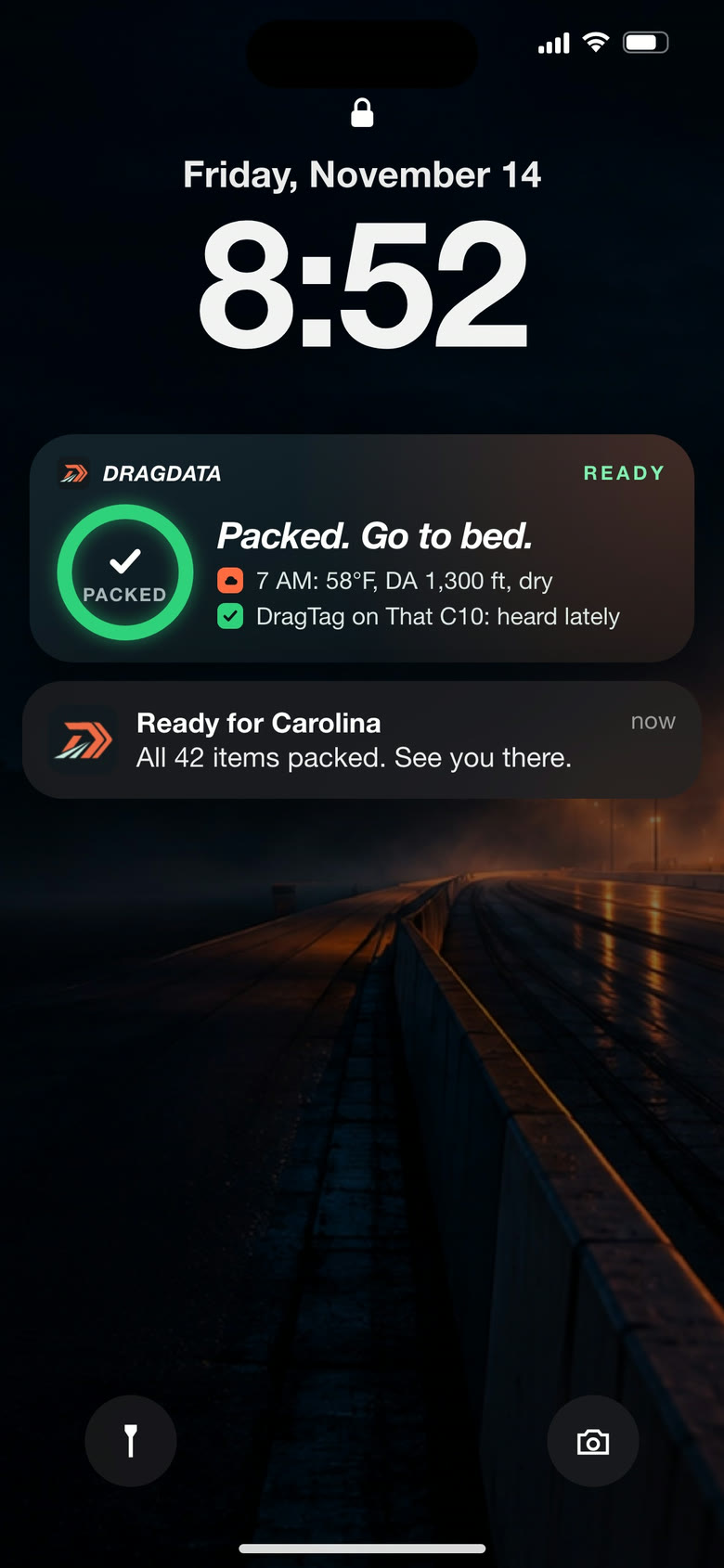
Packed. Go to bed.
Check off the last item and the ring closes green, with one alert that you’re ready. Not done yet? Press the Dynamic Island and tap Remind me later: the list comes back in an hour.
Race morning: your pit board
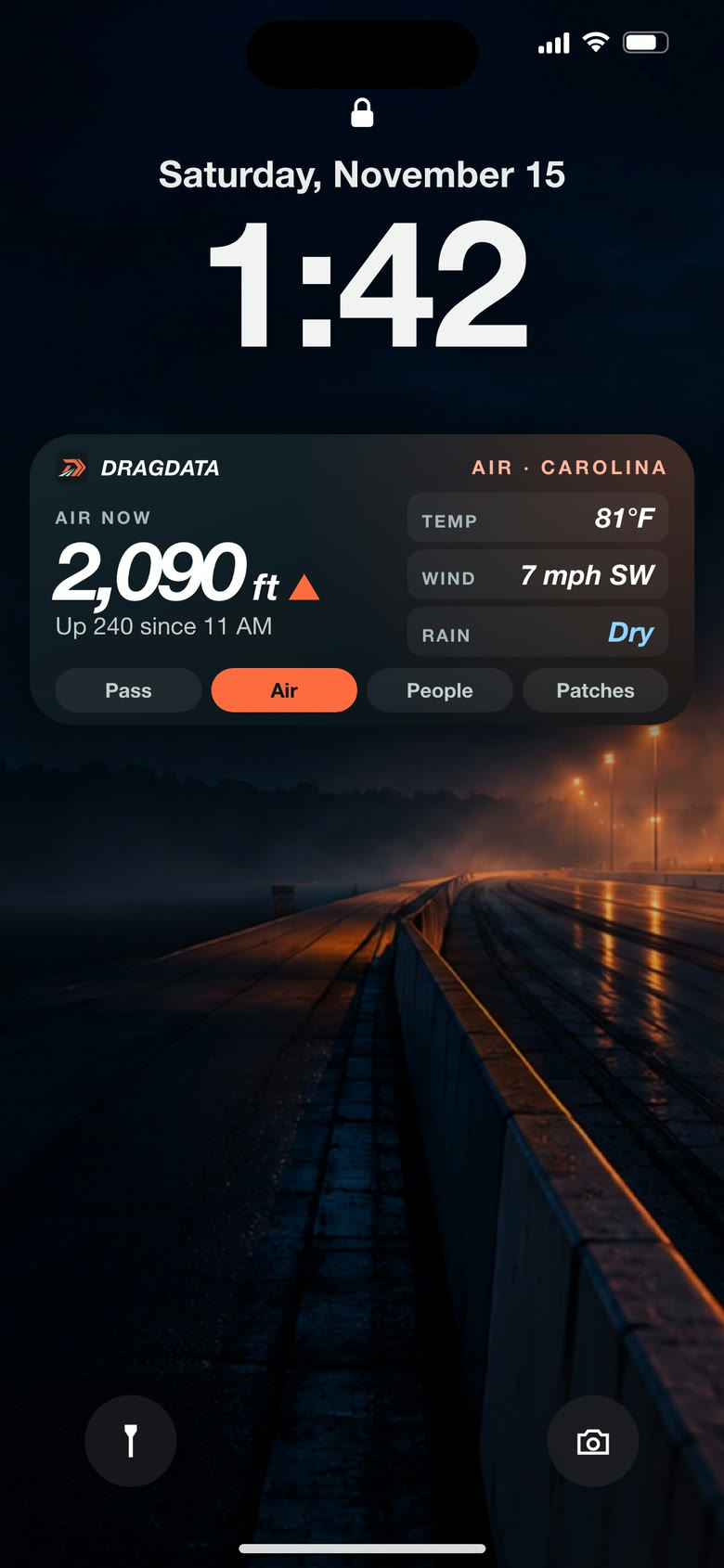
On race day your pit board takes over the lock screen: your last pass in big numbers, your best today and your 60-foot, with Log a pass and Snap the slip one tap away.
Tap Pass, Air, People or Patches
Each tab turns the board right on the lock screen. Air shows the air right now and which way it’s moving. People shows racers you follow who are at this track today. Patches shows a patch you earn today.
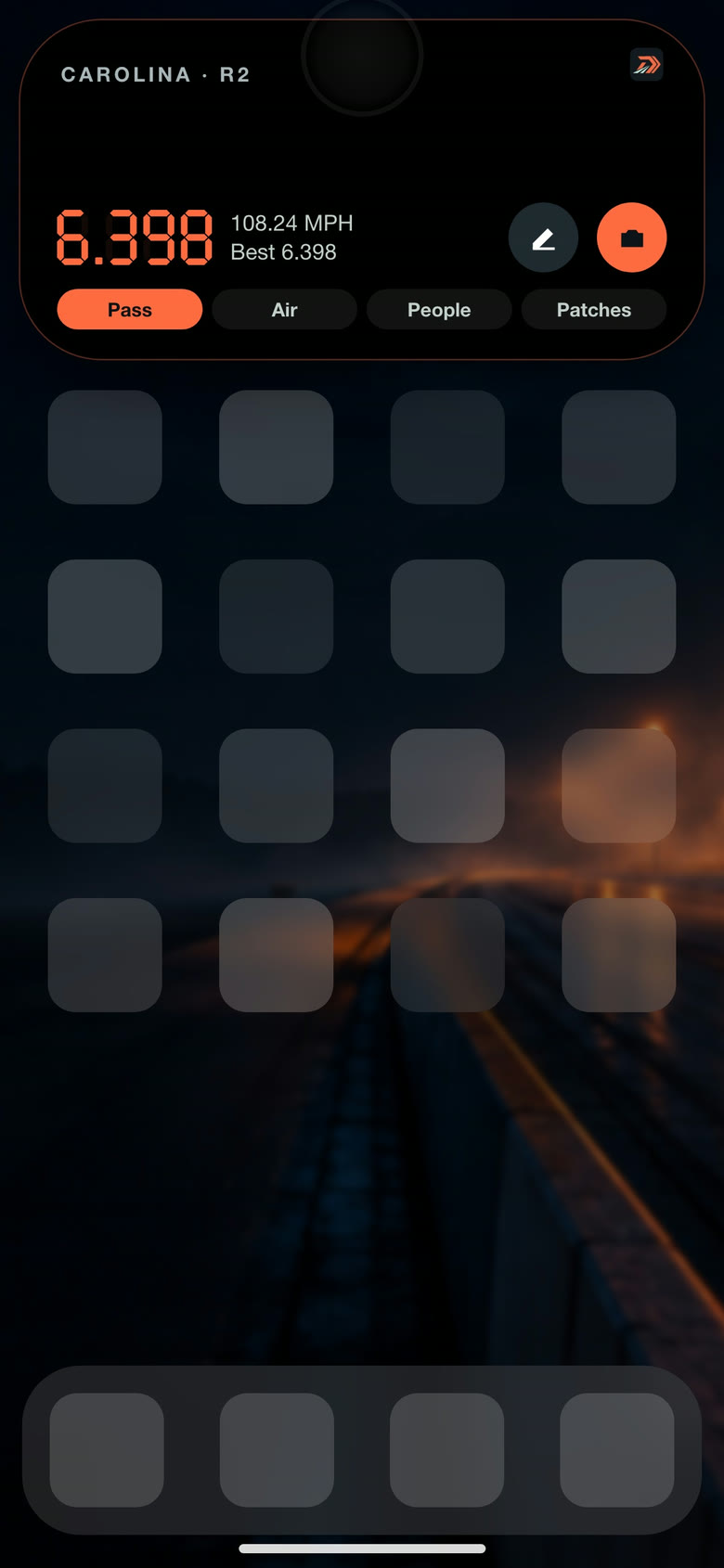
Up top, in the Dynamic Island
Your numbers ride in the Dynamic Island while you use other apps. Press it and Log a pass and Snap the slip are right there.
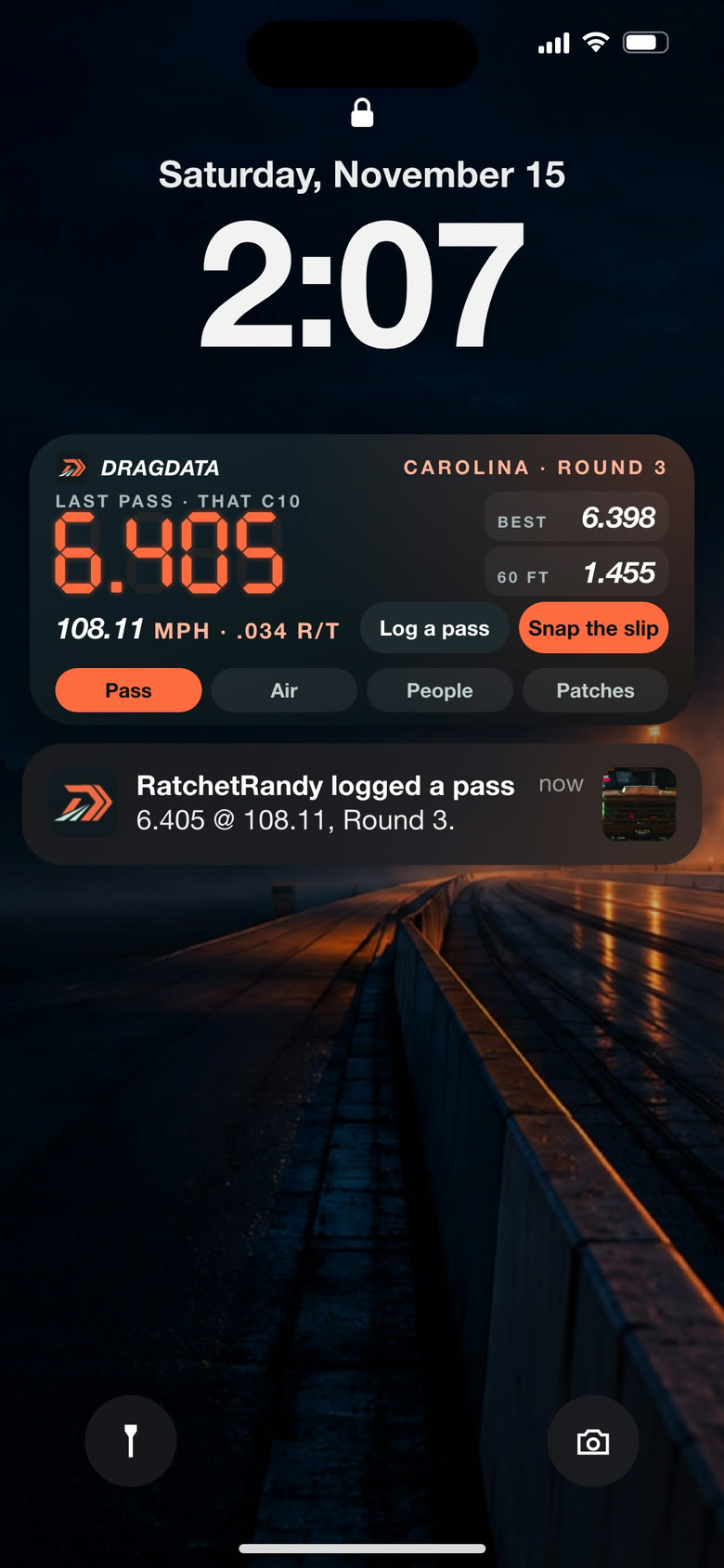
Your car’s photo, and buttons
Alerts about your car carry its photo: race morning, the night before, Checklist reminders, crew passes and tuner suggestions. Your race-day recap carries the patch you earned. A crew pass comes with Add a note and Open the pass, a tuner’s change with Looks good, your recap with Share it. Press and hold an alert to see its buttons.
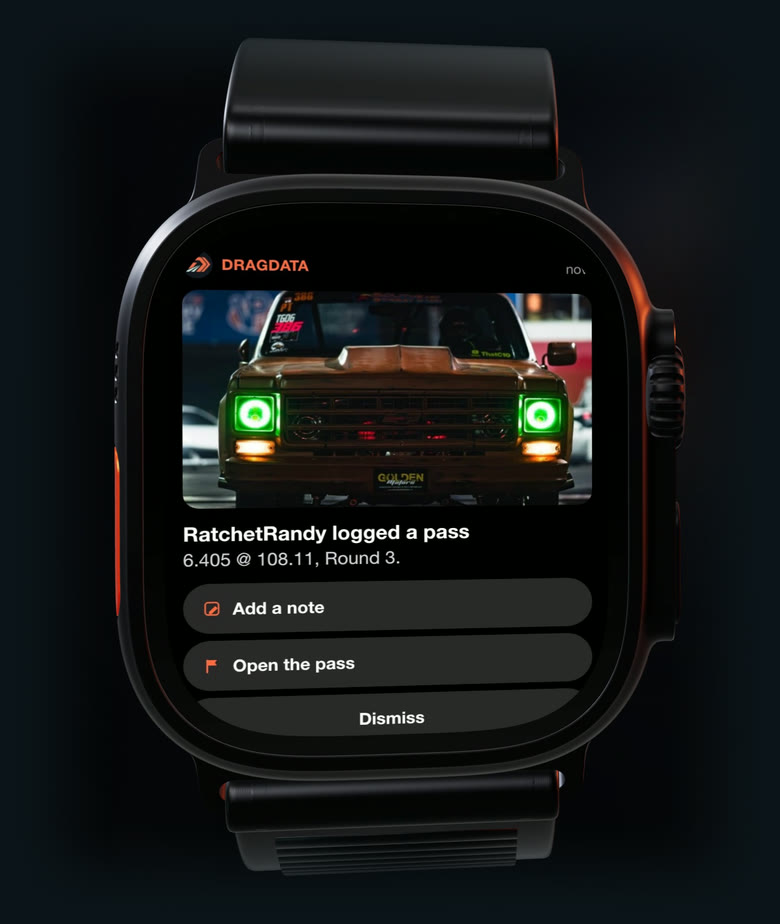
On your Apple Watch too
Your DragData alerts land on your Apple Watch, buttons and all, with your car’s photo big on your wrist.
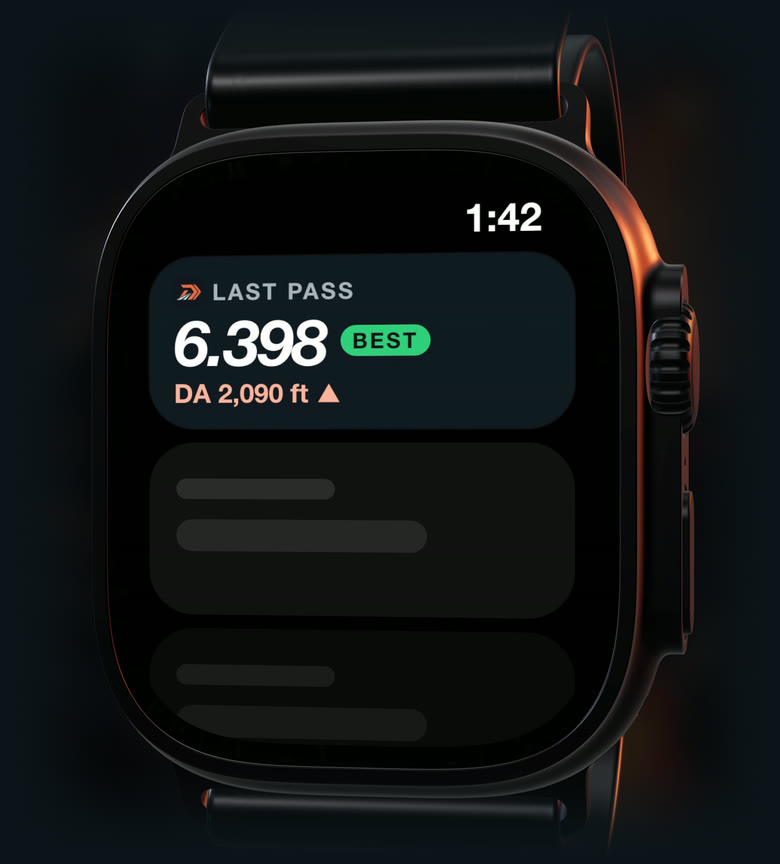
Your pit board, on your wrist
On iPhones with iOS 18 or later, your pit board sits in the watch’s Smart Stack too.
You pick what comes
Account, Alerts: switch the ready check, the pit board and each group of alerts on or off, with quiet hours and snooze. Rather skip the photos? Turn off Show photos in alerts.


Straight answers.
Do I need the app?
Yes. The lock screen panels and alerts come from the DragData app on your iPhone, coming soon to the App Store.
Does it work on Android?
Not yet. The lock screen panels are iPhone only for now. Android phones get DragData’s alerts.
Which iPhones?
The panels need iOS 16.1 or later, and tapping between pages needs iOS 17. The Dynamic Island is on iPhones that have one.
Who shows up under People?
Racers you follow who share their race days, when they race at the same track that day. Their times show only if they share them.
Next up on the ladder.


Get in the LANE
Stop losing your data, your slips, your rank. Store your information like a professional.
