

Snap a slip. Get the whole run.
Take a picture of your timeslip and DragData fills in the pass for you. Got a shoebox of old ones? Batch them all at once.
Stop typing timeslips. Snap them.
0:33Read the words
Still typing your timeslip into your phone in the pits?
Tap Log a pass, and snap the slip.
Reaction time, 60-foot, every increment, ET and MPH. They fill in automatically.
Review and save.
Got a shoebox of old slips? Bring in the whole stack at once, with the weather from each night.
Already saved that one? DragData spots it.
Snap it, check it, save it. You're logged before you're back in the pits.
Your slip’s photo = instant run data
Just snap a picture of your timeslip, and DragData reads the reaction time, 60-foot, ET and MPH for you. Verify accuracy & Save. Got a shoebox of old slips? Batch them all at once.
- Reads the slips most tracks print
- Historically back-fills weather
- Spots a slip you already saved
From paper to pass in one look.
Your slip’s photo on one side, every number DragData read from it on the other. Check it, save it.


The details, lap by lap.
Every number on the slip
DragData reads what most track printers put on a slip: reaction time, 60-foot, 330, eighth-mile ET and MPH, 1000-foot, quarter-mile ET and MPH, your dial, and the win or loss light.
- Your lane and car number
- The date, time and track when the slip prints them
- Eighth or quarter, worked out from the slip
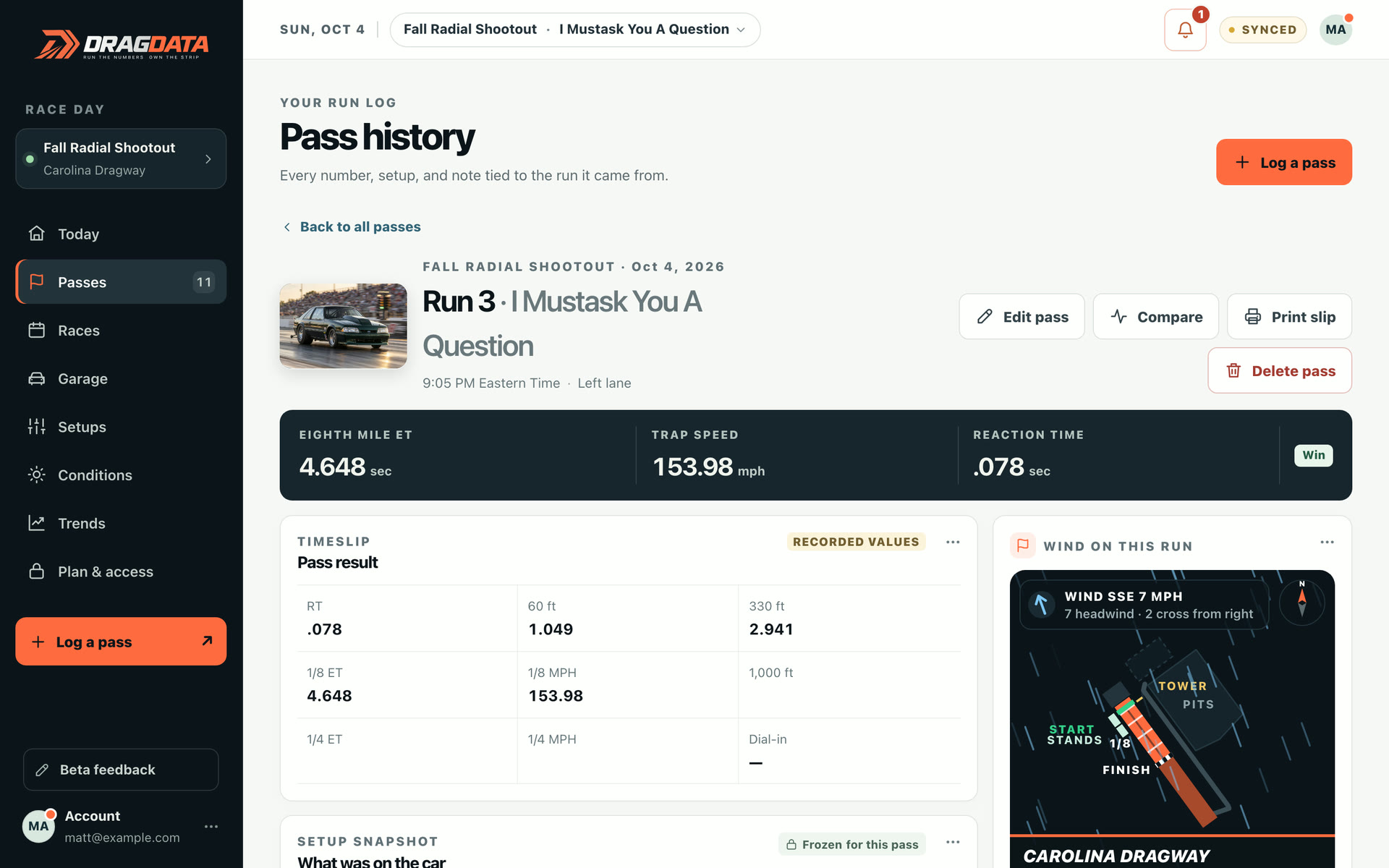
You check it, then it saves
Each value shows next to the photo of your slip, so you can verify accuracy & save. Tap any number to fix it. Anything it can’t read stays blank for you to fill in.
The shoebox, in one go
Pick a stack of slip photos at once. DragData reads them one after another and shows “Saving 12 of 30” as it goes. If your phone loses signal halfway, your import waits on the device until you’re back.
- Slips grouped into races by date and track
- The same slip twice? It spots the duplicate
- Weather back-filled for passes at listed tracks
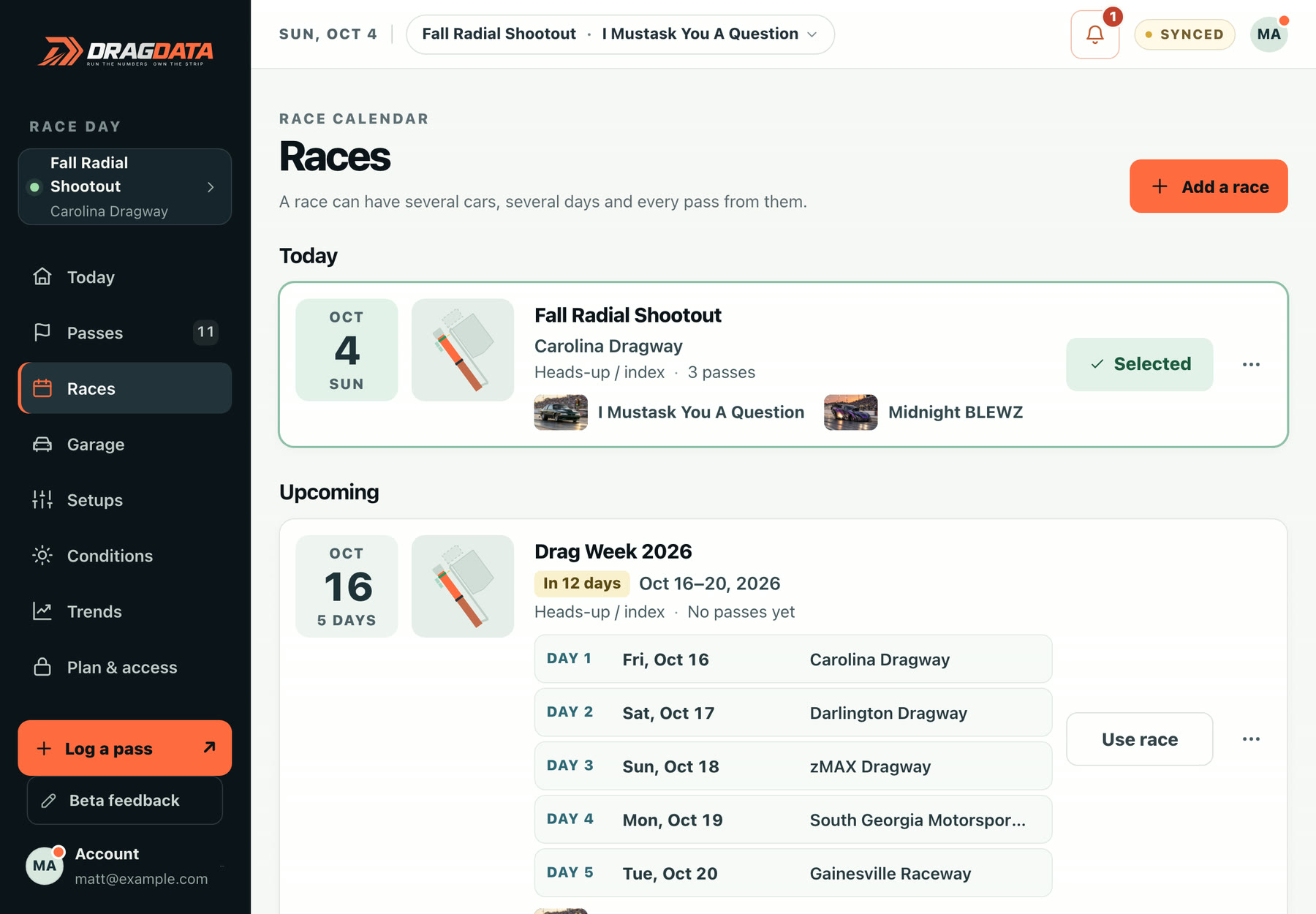
Dragy screenshots too
Run a Dragy? Bring in the screenshot. ETs and splits come in as GPS runs, kept apart from your timeslip ETs so your best stays honest. Speed runs like 60–130 and braking come in too.


More ways in, on our list.
Racers time runs with more than a track printer. These are next in line to come straight into your logbook.
- On our listRaceBoxRun screenshots, then the files the RaceBox app exports
- On our listTrofiiScreenshots of your runs
- On our listKestrel, liveReadings straight from your meter over Bluetooth, no file to move
- On our listDigital timeslipsSlips from the apps some tracks hand out instead of paper
- On our listEngine and data logsECU and data-logger files, right beside the pass
Product names belong to their owners. “On our list” means we’re working toward it, not that we’re partnered with or endorsed by anyone.
Straight answers.
Does it work with my track’s slips?
It reads the slips most tracks print, from thermal printers to full-page sheets. If a slip has a number DragData doesn’t know, it keeps it as a note on the pass.
What happens to the photo?
The slip photo stays with the pass, so you can open it any time and check a number against the real thing.
Can I still type a pass in?
Yes. Log a pass by hand in seconds, and add the slip photo later if you like.
Next up on the ladder.


Get in the LANE
Stop losing your data, your slips, your rank. Store your information like a professional.
