

Know exactly what was on the car.
Each run stores its own setup data. Next time out, see what changed and how it affected your ET.
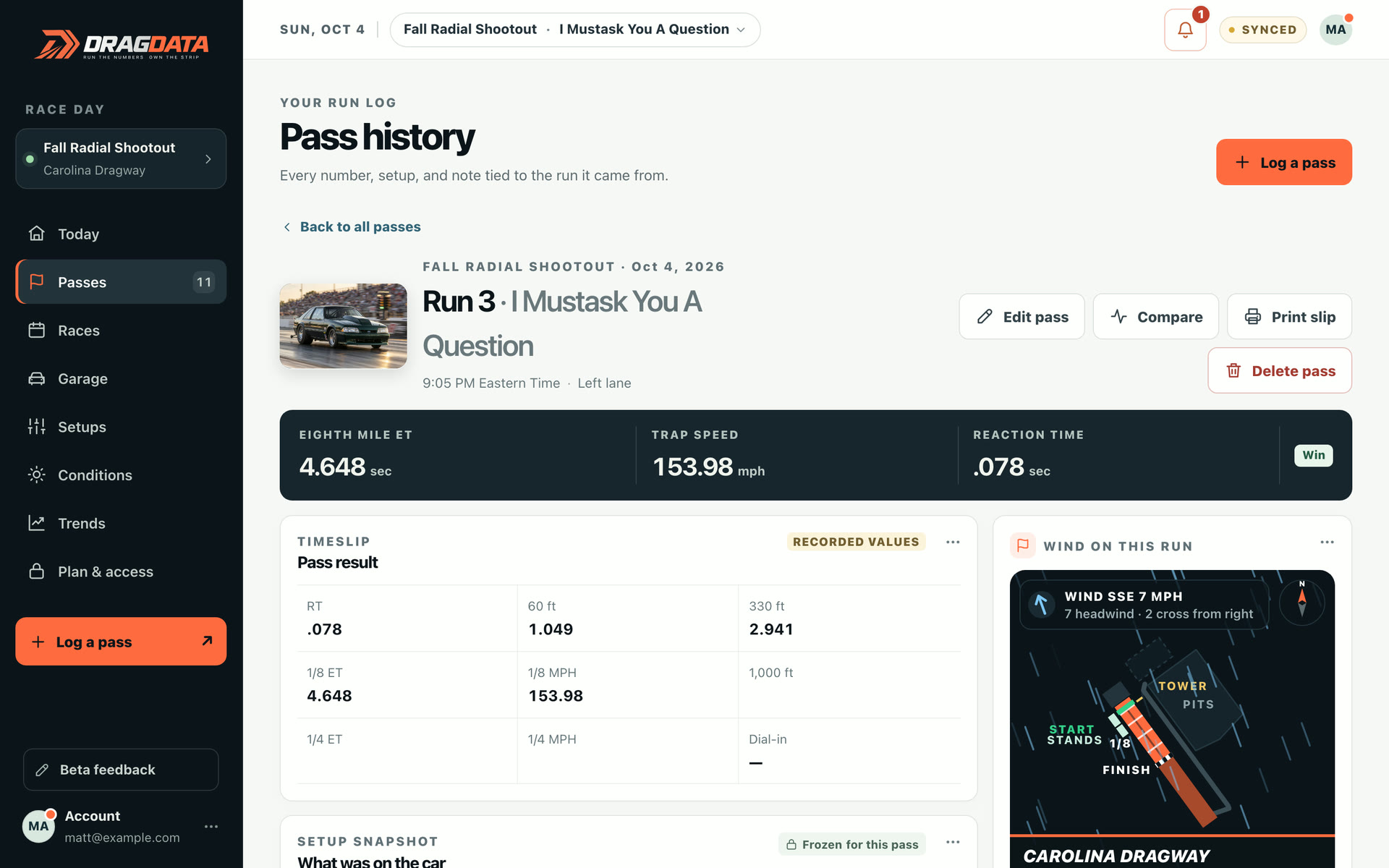
What was on the car when it went 4.64?
0:33Read the words
What was on the car the night it went 4.64?
Every pass saves what was on the car, right then.
Tire pressure, shock clicks on every corner, launch RPM, even the tune file.
Between runs, change it from the Today screen. Plus or minus, and save.
Your baseline stays put. Your changes stay with that pass.
Made a change that didn't help? Open an earlier pass, and put its setup back.
One tap, and it's back on the car.
4.68, then 4.64. What changed?
0:45Read the words
Run two went 4.68. Run three went 4.64. What changed?
Pick any two runs and compare them side by side: the setup, the air, every number.
60-foot, every increment, ET and MPH, with the change beside each one.
The air, too: density altitude, water grains and the temperature.
Or open one pass, and see where it gained or lost.
Every pass lands in Passes, grouped by race. Test days and race days are marked, so they never blur together.
Each car can keep its personal best, with the day and track they ran.
Know what changed. Keep what works.
Each run stores its own setup data.
Tire pressure, shock clicks, launch RPM, the tune file. Each pass saves what was on the car right then. Next time, see what changed and how it affected your ET.
- Your baseline, and what you changed for this pass
- Shocks per corner, the way you count clicks
- Side-by-side compare of any two passes

Where the time went, and what was on the car.
Every pass against your best, split by split. And one tap shows everything on the car right now.


The details, lap by lap.
Your baseline, and what’s on it now
Set a baseline once: the setup you start from. Then change what’s on the car for the next pass without touching it. Today shows how the two differ, and one tap makes the current setup your new baseline (it asks first).
Every pass keeps a snapshot
When you log a pass, DragData saves the setup that was on the car right then. Change your tire pressure for run 4 and run 3 still shows what it ran.
- Tire pressure in half-pound steps
- Anti-roll bar flats, driver and passenger side
- CalTrac preload, launch RPM, boost and timing
Shock clicks the way you count them
Set each car to count from full tight or full loose, and log compression and rebound per corner. Single-adjustable shocks get one number per corner. Every pass records which way the clicks were counted.
What changed, and what it did
Open any pass and see the setup changes since the run before it, next to the difference in ET. Compare any two passes side by side, every number lined up.
Engine details your way
Log the full engine and tune, just the tune file name, or switch the engine section off for a car. The setup screens only show what you use.

Straight answers.
Does it work for bikes and dragsters?
Yes. Pick the body type for each car and DragData shows the setup fields that fit it.
Can my crew change the setup?
If you share the car with them as crew, they can change what’s on it from their own phone. Your baseline stays yours.
Next up on the ladder.


Get in the LANE
Stop losing your data, your slips, your rank. Store your information like a professional.
